
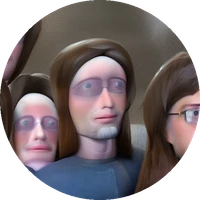
Craig-Wazowski-style Dreambooth model trained by Kagerage with TheLastBen's fast-DreamBooth notebook
Test the concept via A1111 Colab fast-Colab-A1111
Or you can run your new concept via diffusers Colab Notebook for Inference
Consistancy is a little rough here, as it seems to struggle choosing between being painterly or realistic, but it works well enough for me. Pre-append every prompt with "GregRutkowski artwork, ", as this seems to give better results than putting it at the end of the prompt. Also use a CFG between 9.0 and 12.0, with a non-ancestral sampler, as these values personally gave me the best quality outputs. Also negative prompts, they help.
NOTE: This model is FP16, so it may have issues working without Xformers, though I haven't tested this myself. Extra note, it was trained on the 768 model, so don't go below that. As with the standard 2.1 768 model, extreme aspect ratios above 768x768 work pretty decently, despite the training images being 1:1.
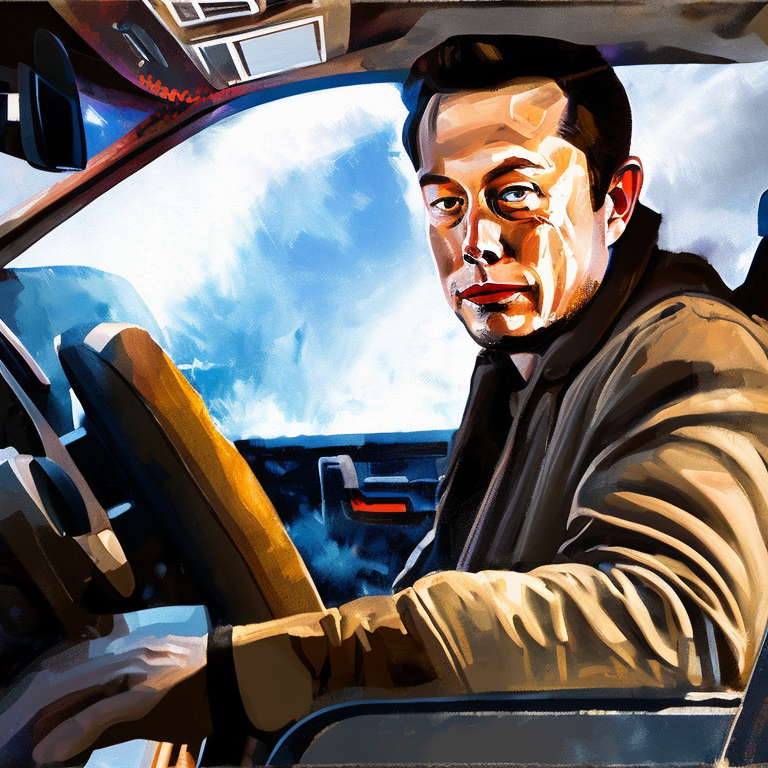
Sample pictures of this concept:

%20portrait%20artwork%2C%201girl%20(anime_0.2)%20catgirl%20nekomimi%2C%20(cat%20ears_1.2)%2C%20cute%2C%20slight%20(cat-like_1.4)%20closed%20mo.png)



- Downloads last month
- 16