

Question & thank you

Thank you for this. Can you share your process for getting this running in 8bit mode?
I'd love to have this done for InstructBlip Flan-t5xl and xxl.
How does this impact your vram requirements and inference speed/accuracy?
- Salesforce Huggingface Model Page for InstructBlip Flan-T5xl
- Salesforce Huggingface Model Page for InstructBlip Flan-T5xxl
Thanks again, @Mediocreatmybest
I just modified the example on the InstructBlip model page: --> https://huggingface.co/Salesforce/instructblip-vicuna-7b
Adding in the 8bit options, I've found dropping it down to 4bit can lead to slightly different output that is less descriptive, 8bit seems to be a good compromise.
I haven't been able to check it against the full precision weights as all the InstructBlip models are huge it either "Out of Memory error" or crashes due to consuming all the CPU RAM.
They are 30GB to 50GB + or so in size, so not very consumer hardware friendly.
This is the example I've ran with (using bitsandbytes / accelerate)
from transformers import InstructBlipProcessor, InstructBlipForConditionalGeneration
import torch
from PIL import Image
import requests
device = "cuda" if torch.cuda.is_available() else "cpu"
processor = InstructBlipProcessor.from_pretrained("Mediocreatmybest/instructblip-vicuna-7b_8bit")
model = InstructBlipForConditionalGeneration.from_pretrained("Mediocreatmybest/instructblip-vicuna-7b_8bit",
load_in_8bit=True,
device_map="auto",
llm_int8_enable_fp32_cpu_offload=False)
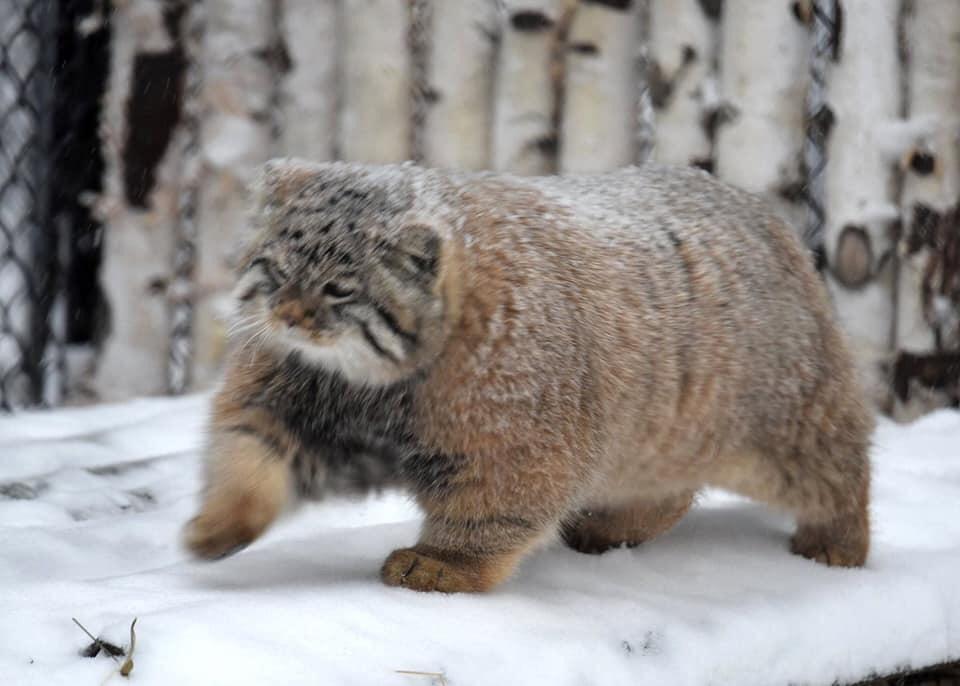
url = "https://huggingface.co/datasets/huggingface/documentation-images/resolve/main/pipeline-cat-chonk.jpeg"
image = Image.open(requests.get(url, stream=True).raw).convert("RGB")
prompt = "Please provide a concise description of the image's art style and subject matter"
inputs = processor(images=image, text=prompt, return_tensors="pt").to("cuda", torch.float16)
outputs = model.generate(
**inputs,
do_sample=False,
num_beams=5,
max_length=150,
min_length=1,
top_p=0.9,
repetition_penalty=1.5,
length_penalty=1.5,
temperature=1,
)
generated_text = processor.batch_decode(outputs, skip_special_tokens=True)[0].strip()
print(generated_text)
I'm happy to try convert the xxl and xl model when I get the chance.
I can't access a large enough GPU for the XXL, (And I haven't tested it, but it should work) --> https://huggingface.co/Mediocreatmybest/instructblip-flan-t5-xl_8bit
Was able to jump into the queue and spin it up --> https://huggingface.co/Mediocreatmybest/instructblip-flan-t5-xxl_8bit
Thank you!
👍 hopefully works well :)
I’ve tested and seemed ok.