

🤖 ModelScope | 🤗 HuggingFace | 📑 Blog | 🖥️ Demo | 🫨 Discord
Introduction
We are excited to open-source Qwen-Image-2.1, a unified text-to-image generation and image editing model in the Qwen family. With just 7B parameters in its visual generation component (32 Single-Stream DiT layers), Qwen-Image-2.1 balances generation quality, inference efficiency, and versatility.
Four key improvements define this release:
- Compact and Efficient — A lightweight architecture with mixed-granularity attention and prefix KV cache reuse delivers strong image quality at low computational cost.
- Native Transparency, Unified Creation and Editing — Generate regular or transparent (RGBA) images from text, edit transparent layers, and extract subjects from photographs—all in one model.
- Versatile Editing — Support up to 10 reference images, specify local edits via circles, painted annotations, or separate masks, and preserve identity for people and products.
- Realistic Textures and Refined Aesthetics — Improved typography, portrait lighting, and fine details for more visually compelling results.
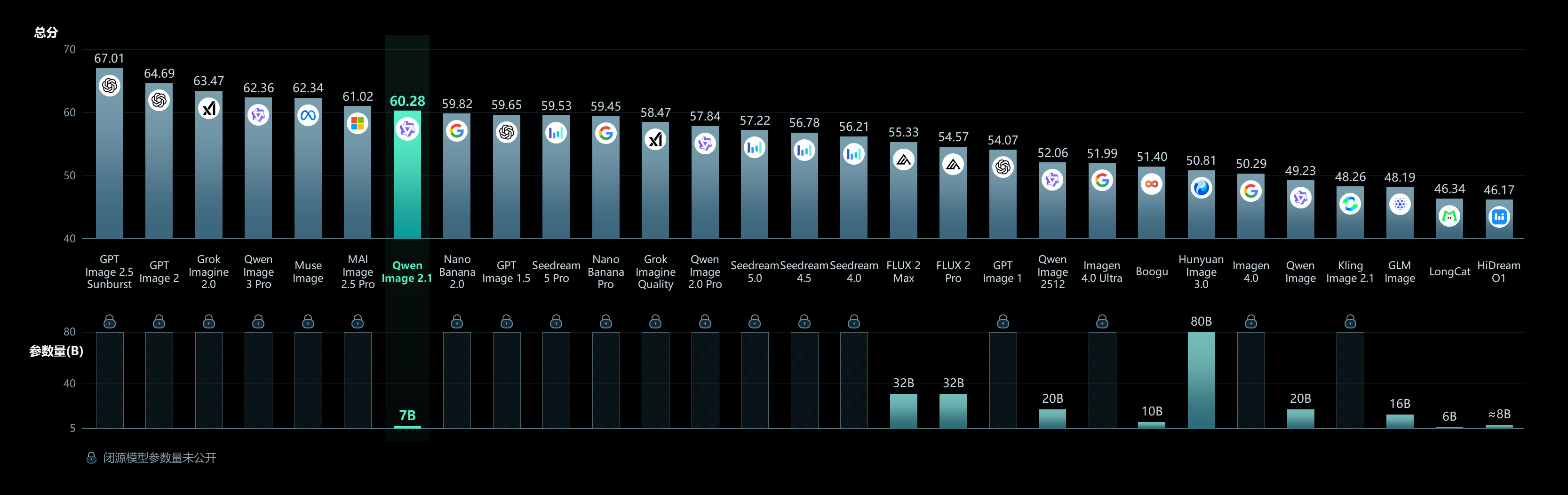
For more details, see the GitHub repo and Blog.
Quick Start
Installation
pip install torch>=2.4.0
pip install transformers>=5.17
pip install git+https://github.com/huggingface/diffusers
pip install accelerate pillow
Text-to-Image
import torch
from diffusers import QwenImage21Pipeline

pipe = QwenImage21Pipeline.from_pretrained(
    "Qwen/Qwen-Image-2.1", torch_dtype=torch.bfloat16
).to("cuda")

image = pipe(
    prompt="A neon shop sign that reads \"QWEN IMAGE 2.1\", rainy night, reflections on wet pavement",
    width=2048, height=2048,
    num_inference_steps=40,
    generator=torch.Generator("cuda").manual_seed(42),
).images[0]

image.save("t2i_example.png")
Image Editing
import torch
from PIL import Image
from diffusers import QwenImage21Pipeline

pipe = QwenImage21Pipeline.from_pretrained(
    "Qwen/Qwen-Image-2.1", torch_dtype=torch.bfloat16
).to("cuda")

input_image = Image.open("input.png")

image = pipe(
    prompt="Change the background to a sunset beach",
    image=input_image,
    num_inference_steps=40,
    generator=torch.Generator("cuda").manual_seed(42),
).images[0]

image.save("edit_example.png")
Transparent Image Generation (RGBA)
Use the recommended prompt format for transparent images:
image = pipe(
    prompt="This is an RGBA image with transparency. A cute cartoon dragon sticker. The image has alpha channel and the background is transparent.",
    width=2048, height=2048,
    num_inference_steps=40,
    generator=torch.Generator("cuda").manual_seed(42),
).images[0]

image.save("transparent_example.png")
Supported Aspect Ratios
aspect_ratios = {
    "1:1":  (2048, 2048),
    "4:3":  (2400, 1792),
    "3:4":  (1792, 2400),
    "3:2":  (2528, 1696),
    "2:3":  (1696, 2528),
    "16:9": (2752, 1536),
    "9:16": (1536, 2752),
}
Memory Optimization
pipe = QwenImage21Pipeline.from_pretrained(
    "Qwen/Qwen-Image-2.1", torch_dtype=torch.bfloat16
)
pipe.enable_model_cpu_offload()
Showcase
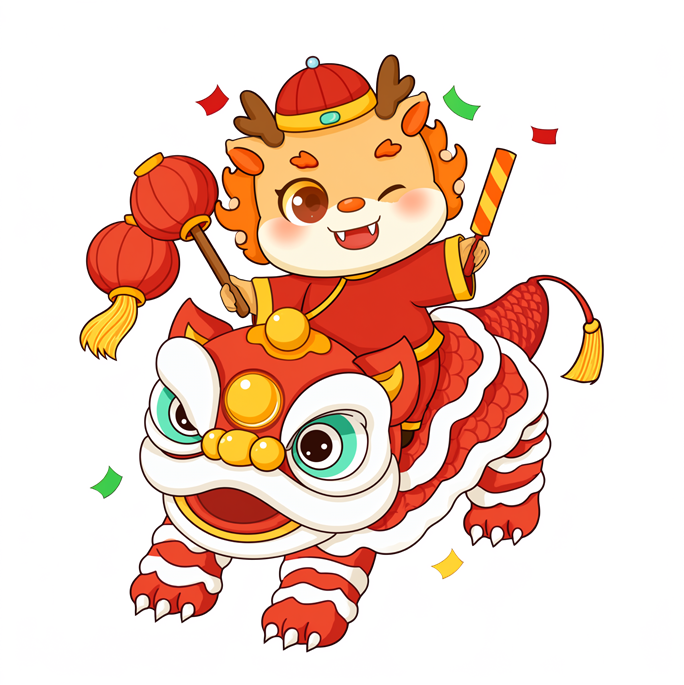
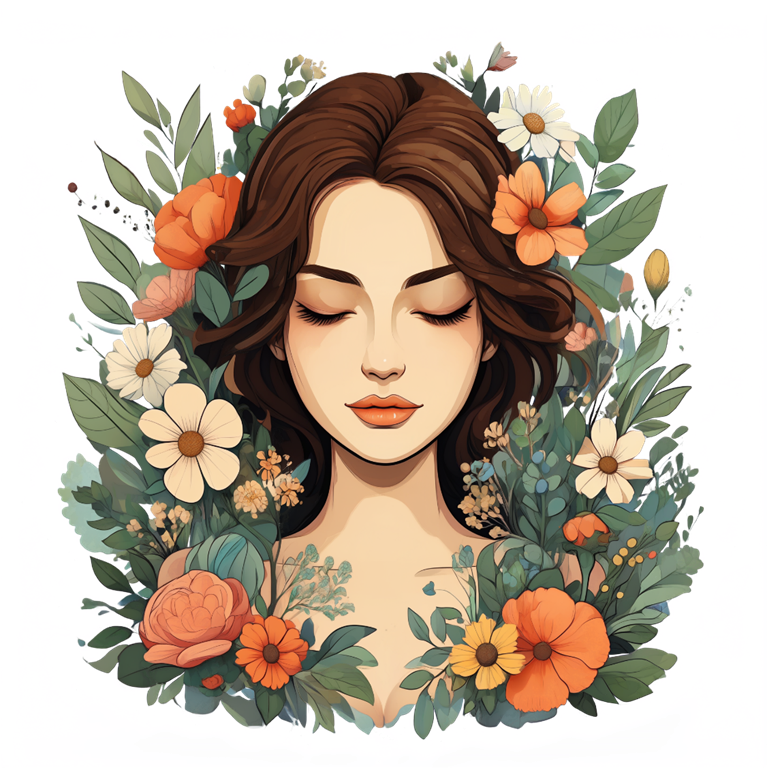

Native transparent image generation
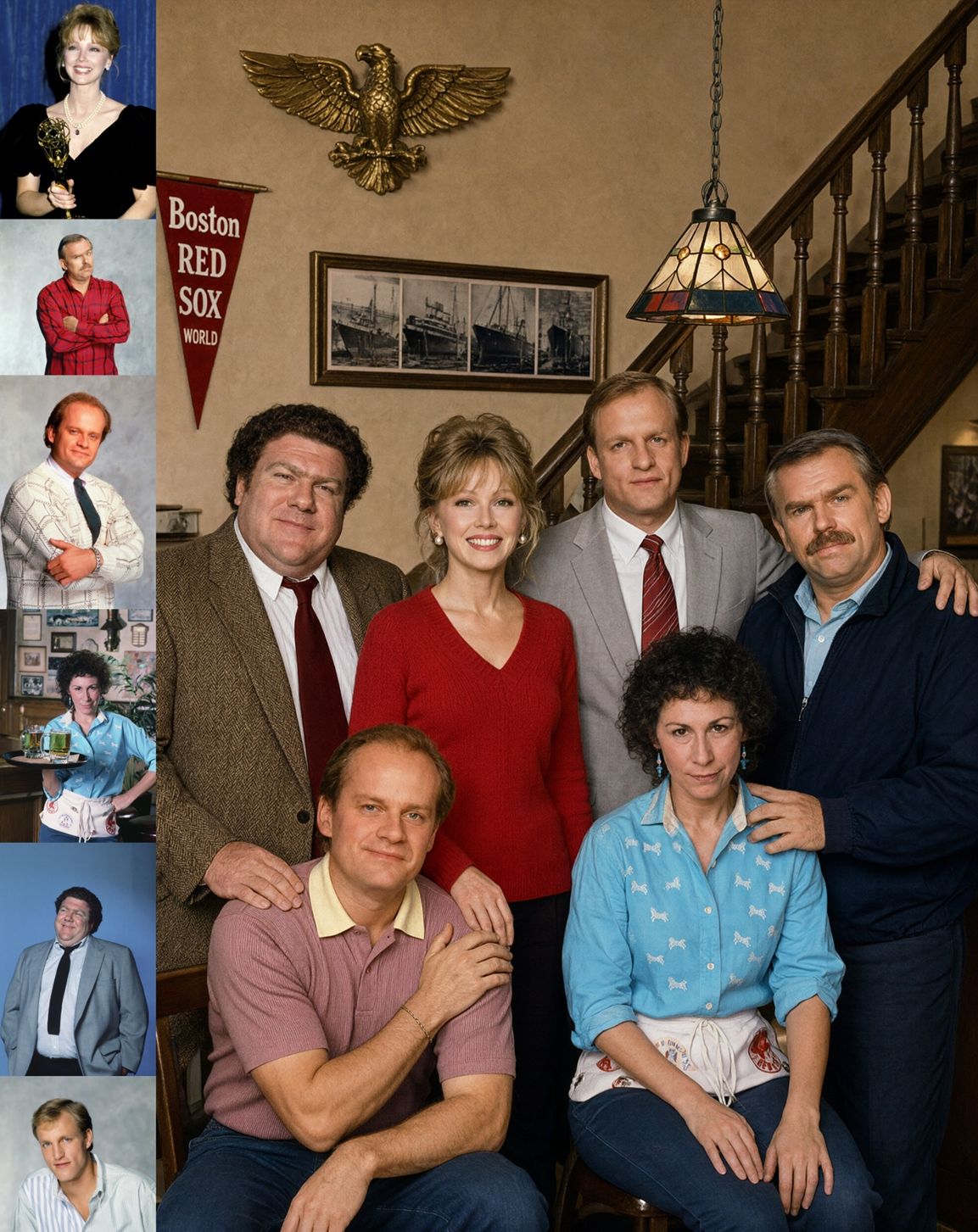
Group photograph generated from six portrait references
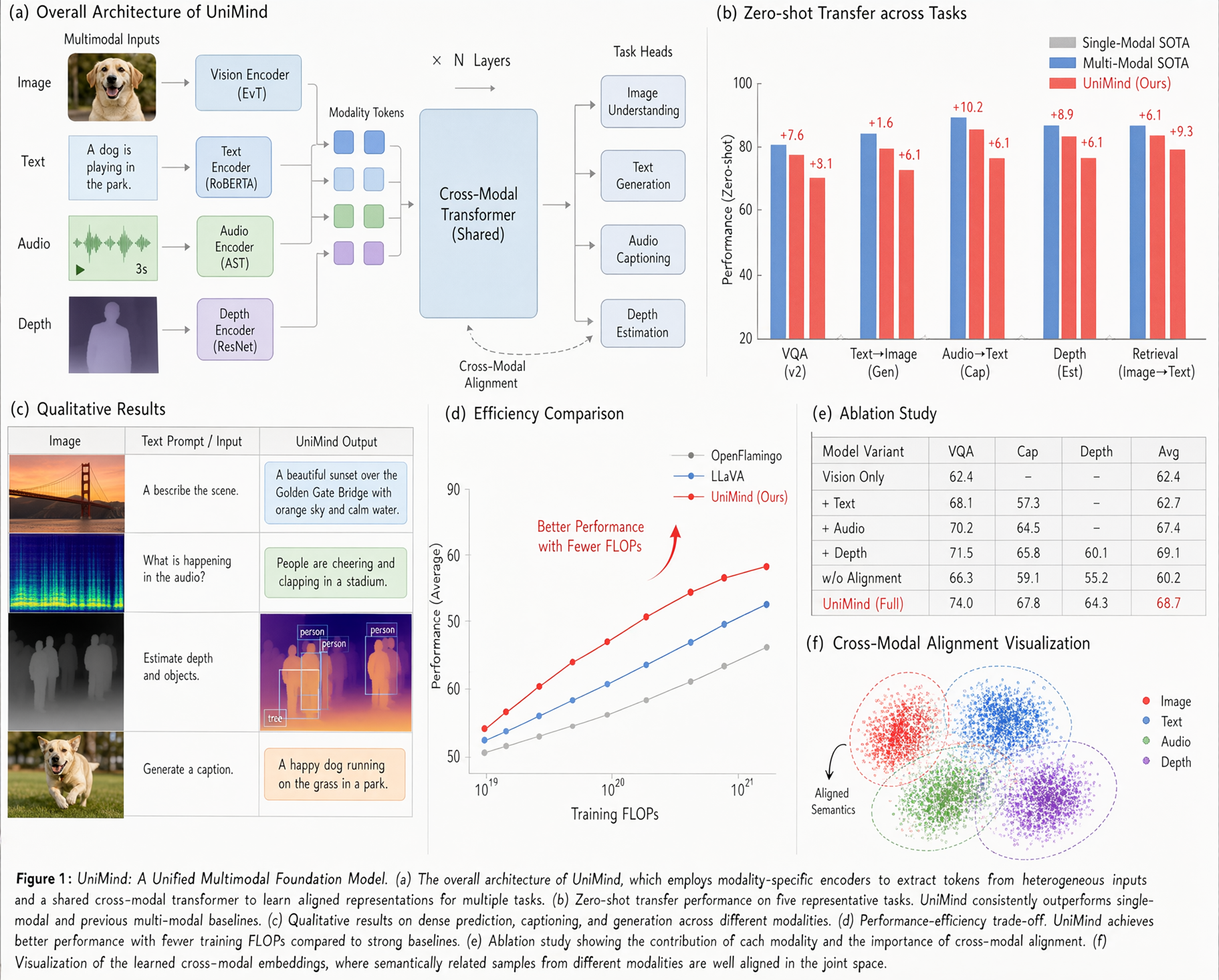
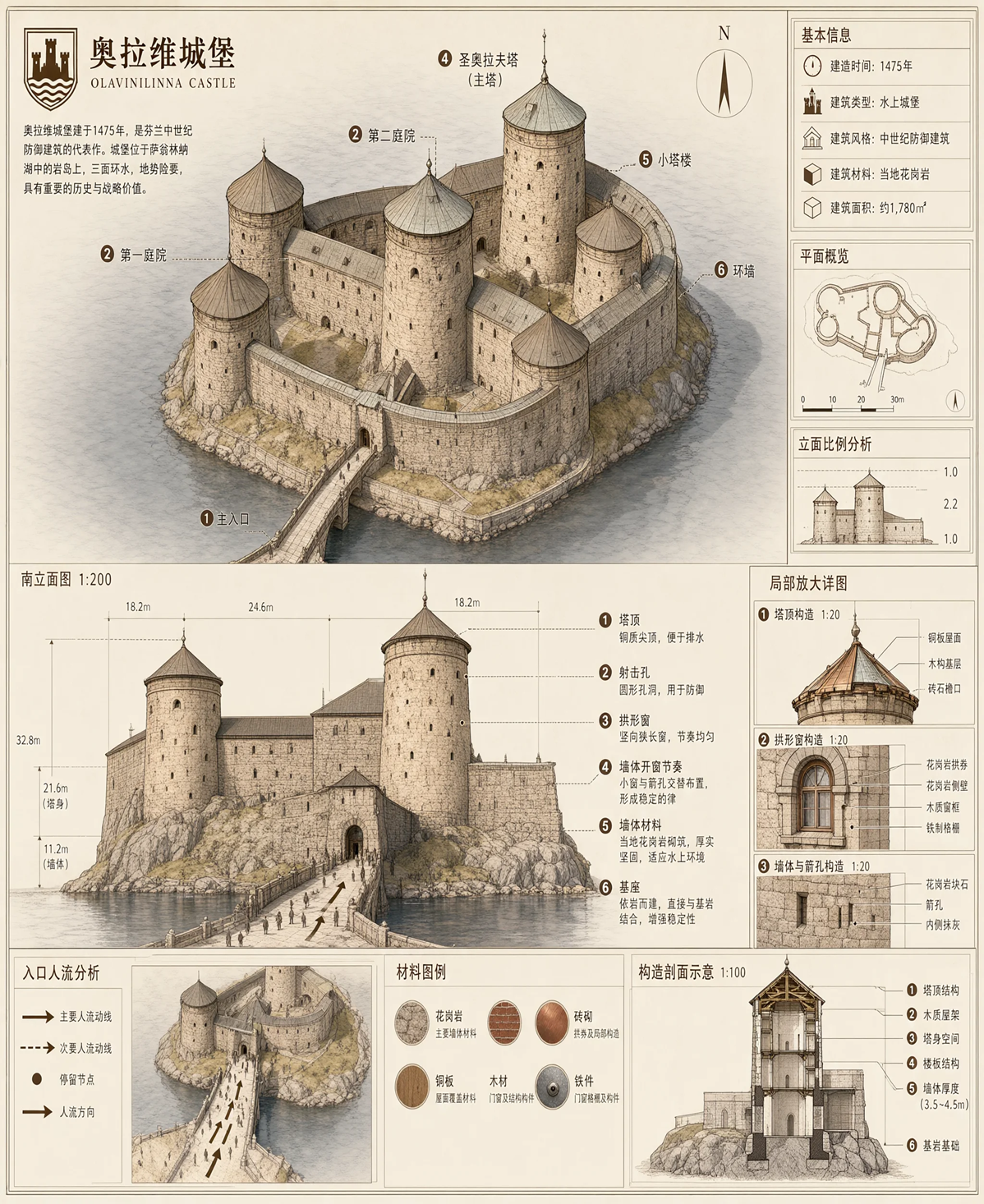
Text rendering
License
This model is licensed under the Qwen Research License Agreement.
- Downloads last month
- 183