Instructions to use gokaygokay/Flux-Game-Assets-LoRA-v2 with libraries, inference providers, notebooks, and local apps. Follow these links to get started.
- Libraries
- Diffusers
How to use gokaygokay/Flux-Game-Assets-LoRA-v2 with Diffusers:
pip install -U diffusers transformers accelerate
import torch from diffusers import DiffusionPipeline # switch to "mps" for apple devices pipe = DiffusionPipeline.from_pretrained("black-forest-labs/FLUX.1-dev", dtype=torch.bfloat16, device_map="cuda") pipe.load_lora_weights("gokaygokay/Flux-Game-Assets-LoRA-v2") prompt = "wbgmsst, 3D castle, white background" image = pipe(prompt).images[0] - Inference
- Notebooks
- Google Colab
- Kaggle
- Local Apps Settings
- Draw Things
- DiffusionBee
Add generated example
#3
by gokaygokay - opened
- README.md +3 -0
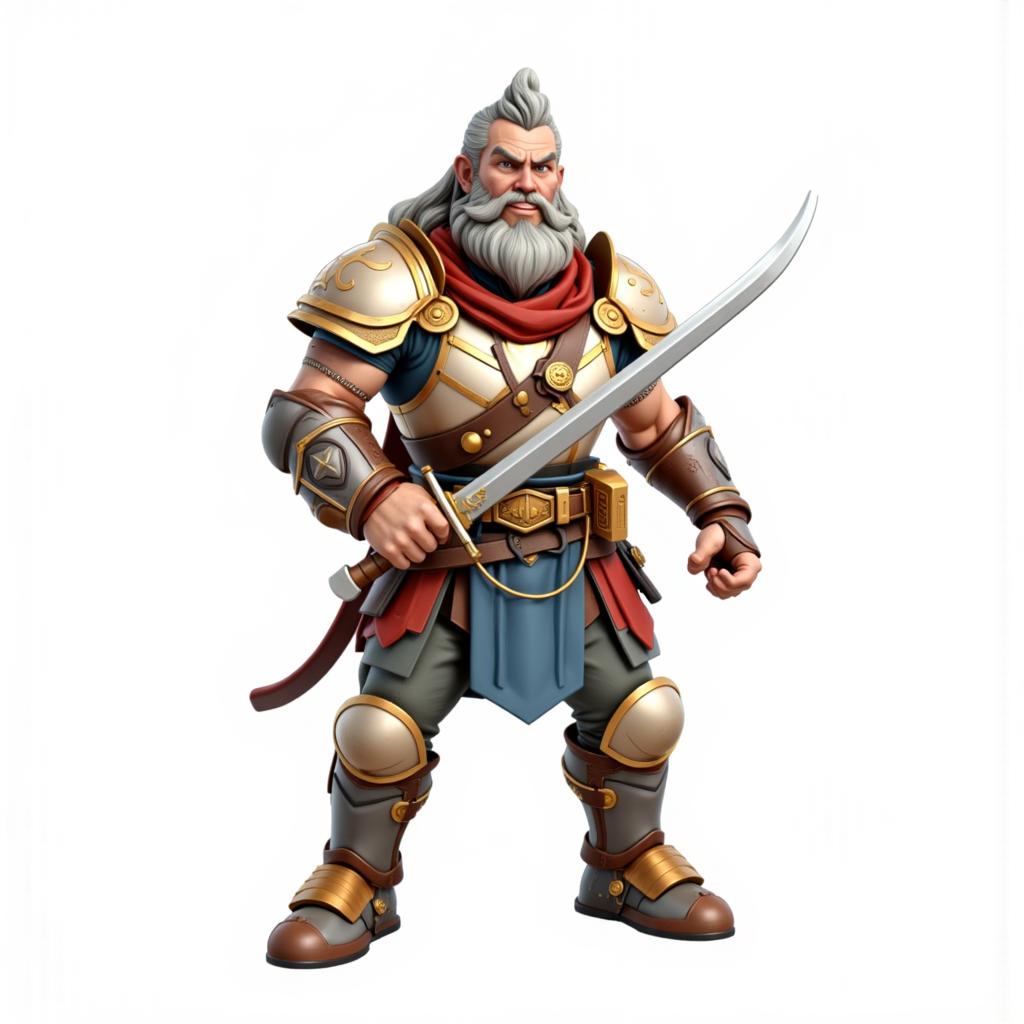
- images/example_3ej5v4zhi.png +0 -0
README.md
CHANGED
|
@@ -28,6 +28,9 @@ widget:
|
|
| 28 |
- text: wbgmsst, isometric house 3D, white background
|
| 29 |
output:
|
| 30 |
url: images/example_dcaewsd9p.png
|
|
|
|
|
|
|
|
|
|
| 31 |
tags:
|
| 32 |
- lora
|
| 33 |
|
|
|
|
| 28 |
- text: wbgmsst, isometric house 3D, white background
|
| 29 |
output:
|
| 30 |
url: images/example_dcaewsd9p.png
|
| 31 |
+
- text: wbgmsst, isometric warrior 3D, white background
|
| 32 |
+
output:
|
| 33 |
+
url: images/example_3ej5v4zhi.png
|
| 34 |
tags:
|
| 35 |
- lora
|
| 36 |
|
images/example_3ej5v4zhi.png
ADDED
|