

metadata
tags:
  - ultralyticsplus
  - yolov8
  - ultralytics
  - yolo
  - vision
  - object-detection
  - pytorch
library_name: ultralytics
library_version: 8.0.43
inference: false
model-index:
  - name: kittendev/YOLOv8m-smoke-detection
    results:
      - task:
          type: object-detection
        metrics:
          - type: precision
            value: 0.99474
            name: mAP@0.5(box)
license: agpl-3.0
datasets:
  - keremberke/smoke-object-detection
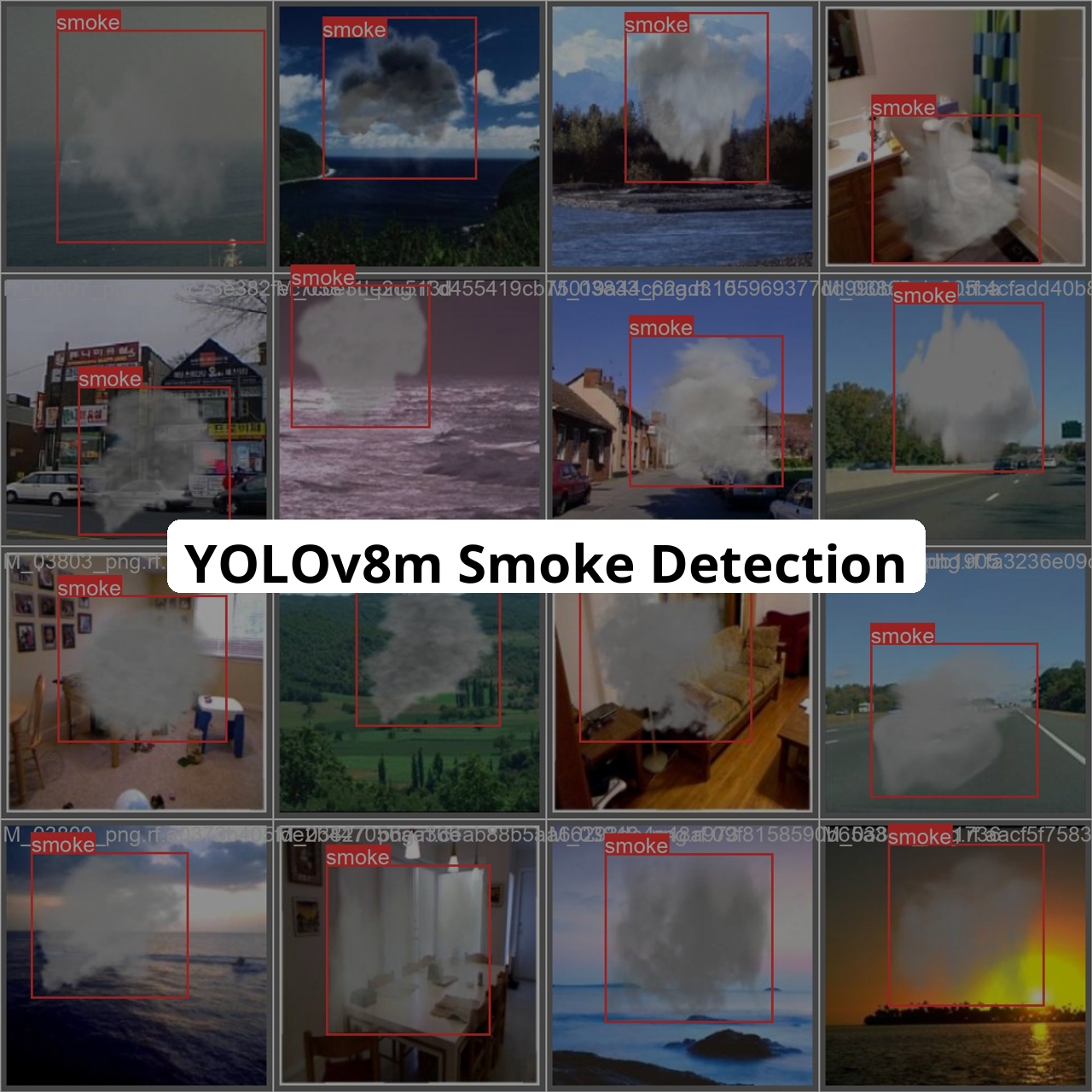
Supported Labels
['smoke']
How to use
- Install ultralyticsplus:
pip install ultralyticsplus==0.0.28 ultralytics==8.0.43
- Load model and perform prediction:
from ultralyticsplus import YOLO, render_result

# load model
model = YOLO('kittendev/YOLOv8m-smoke-detection')

# set model parameters
model.overrides['conf'] = 0.25  # NMS confidence threshold
model.overrides['iou'] = 0.45  # NMS IoU threshold
model.overrides['agnostic_nms'] = False  # NMS class-agnostic
model.overrides['max_det'] = 1000  # maximum number of detections per image

# set image
image = 'https://github.com/ultralytics/yolov5/raw/master/data/images/zidane.jpg'

# perform inference
results = model.predict(image)

# observe results
print(results[0].boxes)
render = render_result(model=model, image=image, result=results[0])
render.show()